Key takeaways
- Ask one question of every AI task: is the student using it productively or unproductively? Replacing all their effort and thinking with AI is unproductive.
- Build the habit of checking. Students ask AI to explain something, then compare it with another source and look for what's missing.
- Follow your school's AI policy, ask if there isn't one, and if a student discloses something to you, follow your school's child safety procedures as you would for any other disclosure.
Matthew Esterman was once leading a forum with a group of students in Victoria when one girl mentioned how she does her maths homework. She works it out on a piece of paper, takes a photo with her phone, uploads it to an AI chatbot inside a social app and has a conversation with it about her work.
Matt hadn't come across that before. The closest comparison Matt could draw was sending your work to a tutor for feedback, or showing it to a parent or a peer. To Matt, getting feedback from this other kind of intelligence was something very new and different.
So how should students use AI? Productively, which means the student keeps doing the thinking. If a student hands all their effort and thinking over to an AI, they stop progressing in their learning. Productive use looks like a student leading the AI: asking it to explain something, checking the answer against another source, and working out what it got wrong or left out. The AI supports their thinking and leaves the thinking itself to them. Whatever the task, start with your school's policy on AI, and ask if there isn't one.
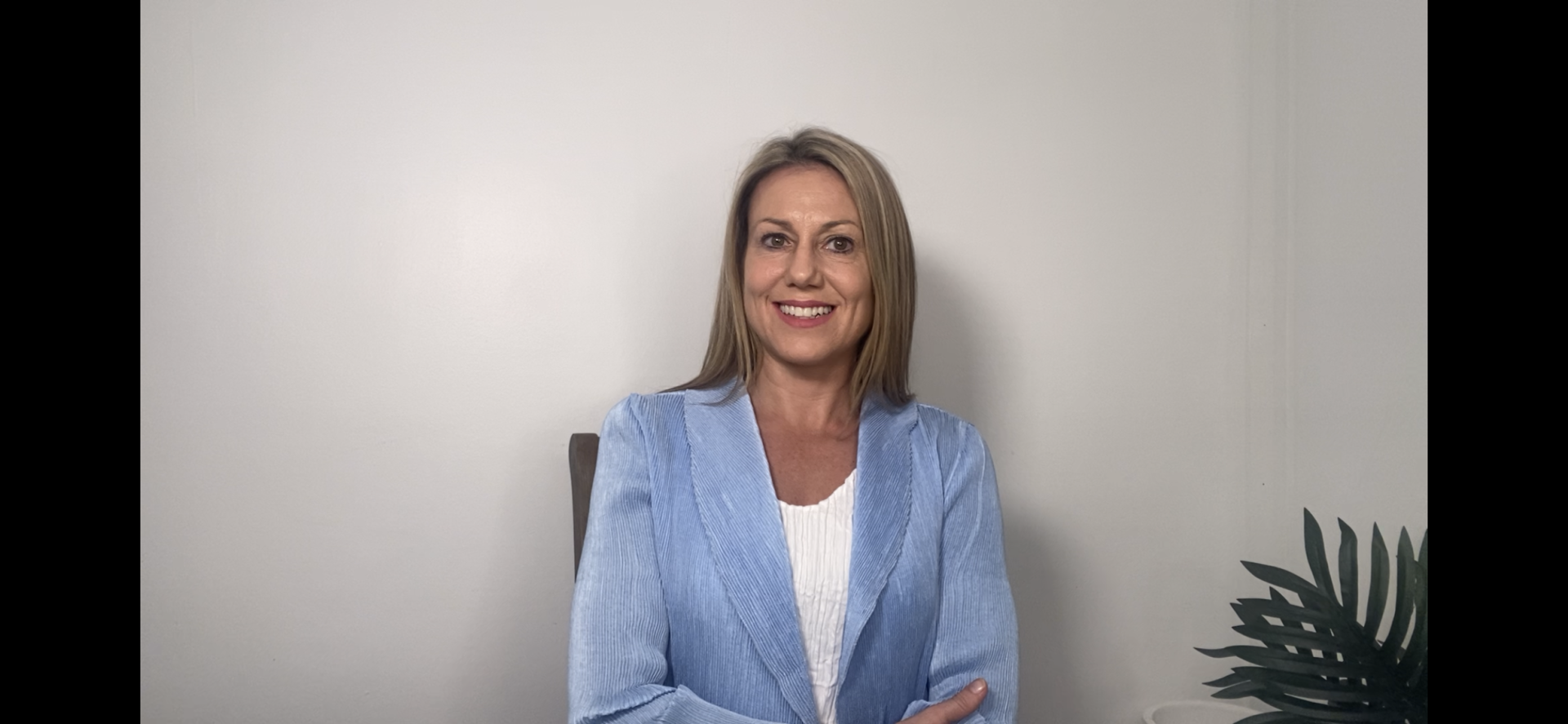
These ideas come from Matt, AI consultant, author and founder of The Next Word, an AI consultancy for education. Matt co-authored a book of the same name, a practical guide for teachers adopting AI, and was a teacher for over 20 years, trained in history with a long interest in e-learning. In the course, Matt sums up what students should aim for in one line: "AI helps me think… it won't do the thinking for me."
The ideas
- Ask whether the AI use is productive.Whenever AI is an option, whether you're designing an assessment task or leading a lesson, Matt asks one question: "Are they being productive with it or are they being unproductive with it?" Students can ask themselves the same thing about their own tasks.
- Watch for replaced thinking.The clearest sign of unproductive use is a student handing everything over. In Matt's words, "Are you replacing all your effort and thinking with AI? Well, that's pretty unproductive." The student isn't doing anything at that point, and their learning stalls.
- Look for the student's own thinking.Matt sorts AI use into a set of zones, based on how much of the student's thinking you can see and who is in control. Matt is upfront that this is a personal way of thinking about it, with no academic backing: "this is my brain on a page."
- Check it against another source.Ask AI to explain photosynthesis. Then, as Matt puts it, "check it against another source. What's missing?" Students open Britannica, Wikipedia or another website and compare the two. You can run this at the front of the room.
- Let students be the critics.Have AI explain something like the water cycle, then ask students to rewrite it in their own voice. Matt puts it this way: "I find students much, much more harsh as markers and as critics on AI generated information." Tearing the text apart builds the habit of reading it critically.
- Know the rules before the task starts.Matt is clear on this: "if a school that you're working in has a policy, you do have to follow it." If you're asked to mark, collect or monitor an assessment task, ask whether AI is OK to use for that particular task. Where there's no policy, ask, and Matt suggests keeping a quick checklist of what you tell students so they use AI ethically and don't open themselves up to data breaches.
 AI in Education: Bots, Agents & The Revolution We Are InStart this course
Productive and unproductive use, side by side
Here's how the two look in practice, drawn from Matt's examples in the course.
| Unproductive use | Productive use | |
|---|---|---|
| Who does the thinking | The AI does the heavy lifting | The student leads, and you can clearly see their thinking |
| What happens to the output | Copied and pasted | Rewritten in the student's own voice |
| How it gets checked | Used straight away | Checked against another source |
| How the student sees the AI | Takes it on trust | Can say what it gets wrong and where its information comes from |
Matt holds teachers to the same standard and treats AI output like a Google result: never use it straight away, always check your sources, because if we ask students to do it, we should too. On privacy, Matt asks teachers to think carefully about when they do and don't use AI with students, so students aren't sharing personally identifiable information with these systems.
Why this matters beyond your classroom
Students are taking these tools beyond the school gate and using them however they like, completely out of the school's control. Matt's response is to bring students into the conversation. Listen to how they're already using these tools, sometimes quite intelligently, and steer them towards the higher levels of use, so they do more with AI than the old copy and paste.
There's a wellbeing side to this too. Some students go to chatbots looking for a kind of therapy or companionship. It can be very light touch, but Matt notes it goes quite deep for some students.
How to use this in your classroom this week
- Run the photosynthesis check. Ask AI to explain a topic at the front of the room, open another source, and ask the class what's missing.
- Turn an AI explanation into a marking sample. Put it up the way you would any sample and ask what's good about it, what mark it deserves and why.
- Talk about how students are using it. When AI is allowed, talk with students about how much of the thinking is theirs and how much is the AI's.
- If you're a relief or casual teacher, and you're asked to collect or monitor an assessment task, ask whether AI is OK to use for it. If a student discloses something to you, even when you see them for one lesson, it still matters under child safety. Follow it up as you would any other disclosure, using your school's child safety procedures.
For national guidance, the Australian Framework for Generative AI in Schools (Department of Education) sets out how schools can use generative AI tools responsibly and ethically, for the benefit of students, schools and society.
Take it further with your students
This post covers one question. In AI in Education: Bots, Agents & The Revolution We Are In, Matt goes much further. Inside the course, you'll find:
- Matt's full model of AI use, zone by zone, and how to talk students through each one
- a structured debate between students and AI
- a paragraph scaffold students can build with AI when they're stuck
- what chatbots, wrappers and agents are, including how to build a simple agent of your own
- ways to use AI to cut your admin, from marking rubrics to quizzes at three levels
- a role play on future jobs, and what students can do better than a bot
- the ethics to weigh up, from privacy and bias to what "all my own work" means now
If you're newer to AI, Matt's first course, AI for Teachers, is a good place to begin. You'll find more courses for high school teachers in secondary teacher PD.
Matt likens a school's role here to drugs and alcohol education or healthy eating: there's only so much a school can say, but "we can provide a safe environment and the best information possible to the students."
Frequently asked questions
How should students use AI in the classroom?
Productively, which means the student keeps doing the thinking. Matthew Esterman suggests asking whether a student is using AI productively or unproductively for each task. Productive use looks like a student leading the AI, checking what it says against another source and rewriting ideas in their own voice. Always follow your school's AI policy, and ask if there isn't one.
What is unproductive AI use?
In Matt's course, unproductive use is a student replacing all their effort and thinking with AI. At that point the AI is doing the work and the student isn't progressing in their learning.
Why should students check AI answers against another source?
AI sometimes puts in things that are wrong. A simple routine from the course is to ask AI to explain a topic such as photosynthesis, then check it against another source and ask what's missing. It builds the habit of checking sources every time.
How can I get students thinking critically about AI?
Ask AI to explain a topic, then have students mark it like a sample and rewrite it in their own voice. Matt finds students are much harsher critics of AI-generated work, which helps them read it critically.
What's the difference between productive and unproductive AI use?
With unproductive use, the AI does the heavy lifting and the output gets copied. With productive use, the student leads the AI, you can see their thinking, and they can say what the AI got wrong or left out.
What should I do if a student discloses something to me?
Matt notes that some students turn to chatbots for a kind of therapy or companionship. If a student discloses something to you, even in a single lesson as a casual teacher, it still matters under child safety. Follow it up as you would any other disclosure, using your school's child safety procedures.
How much does the AI in Education course cost?
AI in Education: Bots, Agents & The Revolution We Are In is included in a ClassCover Learn membership, which costs $99 a year for 200+ hours of PD across every course.